Guide
Cursor Design Mode Guide
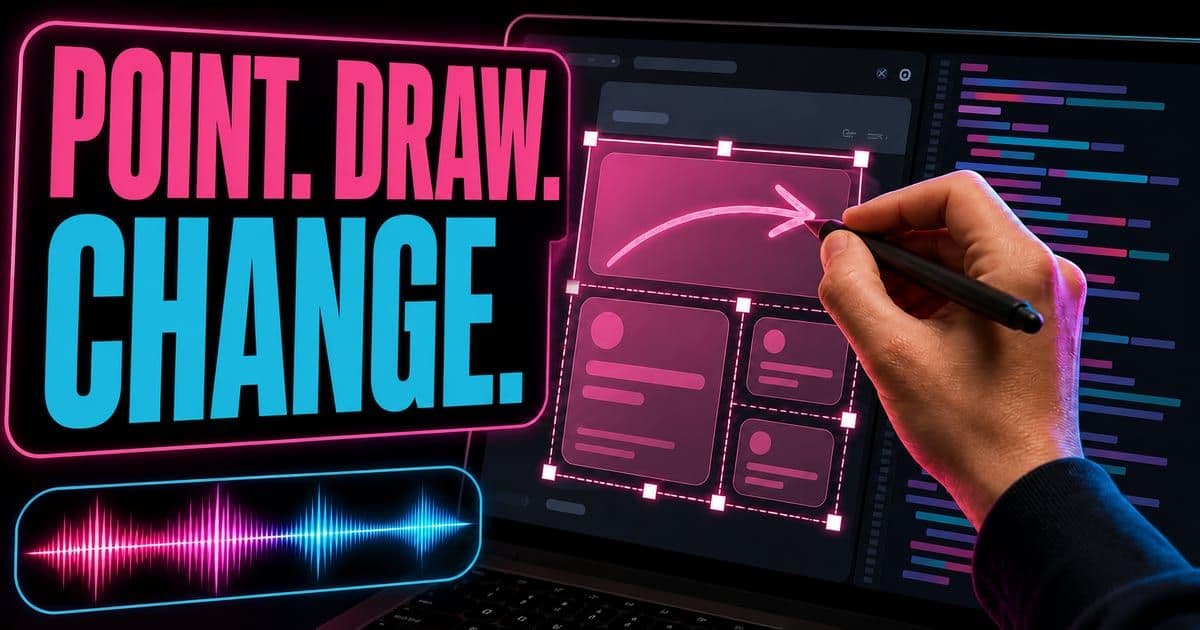
Cursor's June 2026 Design Mode update lets developers point at UI changes through click, draw and voice. Multi-select gives the agent selected elements, code and layout relationships; voice input stays available while an agent is mid-run.
On this page
- What changed in Cursor Design Mode, June 2026?
- How should a team use Cursor Design Mode?
- What should stay bounded?
- How do I edit a UI element by clicking it?
- What context does Design Mode actually send when I click an element?
- When should I draw on the page instead of clicking an element?
- What does queueing several visual edits cost at review time?
- Why does Design Mode need the app running in the Agents Window?
What changed in Cursor Design Mode, June 2026?
Cursor's June 2026 Design ModeA way to point at an element in Cursor's built-in browser and change it directly, instead of describing it in words. Press Enter for the full definition. update lets developers point at UI changes through click, draw and voice. Multi-select gives the agent selected elements, code and layout relationships; voice input stays available while an agent is mid-run.
- Release fact
- Click and draw
- Why it matters
- Use the browser overlay to point to visual changes instead of describing every selector.
- Release fact
- Multi-select
- Why it matters
- Select multiple elements so Cursor sees code, layout and relationships together.
- Release fact
- Voice input
- Why it matters
- Narrate changes and queue the next instruction while an agent is still running.
- Release fact
- Code connection
- Why it matters
- Design ModeA way to point at an element in Cursor's built-in browser and change it directly, instead of describing it in words. Press Enter for the full definition. ties visual targets back to the underlying implementation.
| Release fact | Why it matters |
|---|---|
| Click and draw | Use the browser overlay to point to visual changes instead of describing every selector. |
| Multi-select | Select multiple elements so Cursor sees code, layout and relationships together. |
| Voice input | Narrate changes and queue the next instruction while an agent is still running. |
| Code connection | Design ModeA way to point at an element in Cursor's built-in browser and change it directly, instead of describing it in words. Press Enter for the full definition. ties visual targets back to the underlying implementation. |
As of July 9, 2026. See the linked Cursor sources for the latest details.
This exact topic is a hands-on Lesson: Edit a running page with design mode — about 7 minutes, free to read.
Rather do it than read about it? Run 11 interactive Cursor walkthroughs in a simulated editor. Free, no account needed.
How should a team use Cursor Design Mode?
Knowing what shipped is the easy part. Turning Cursor Design ModeA way to point at an element in Cursor's built-in browser and change it directly, instead of describing it in words. Press Enter for the full definition. into something a team relies on takes a few deliberate steps, mapped below.
- 1Open the running UI and select the exact component, area or group of elements.
- 2Describe the product outcome, not only the CSS property.
- 3Let the agent inspect code and layout before editing.
- 4Verify desktop, mobile, loading and empty states after the patch.
What should stay bounded?
New capability comes with new ways to get it wrong. Keep these boundaries in place as you adopt it.
Avoid local visual fixes that break shared components or design tokens.
Use multi-select for relationship changes; do not ask for broad page redesigns casually.
Review accessibility and responsive behavior before merge.
How do I edit a UI element by clicking it?
Toggle the design mode button in the Cursor browser pane, then click any div in your running app. That element is handed to the agent as context along with a screenshot, and you just describe the change. The agent edits the code and re-renders live. No hunting for the div, no hand-editing CSS.
- 1Open your app in the Cursor browser and turn on design mode.
- 2Click the element you want to change (⌘L adds an element to context; click several to batch them).
- 3Describe the change in plain language - "make this font 3x as big and bright red".
- 4Cursor identifies the distinct components, edits each, and re-renders so you see the result immediately.
Selecting multiple divs and describing several changes in one prompt lets the agent fix each component in a single pass.
very quick way to prototype, to rapidly iterate, to make changes without having to go in, find the div, update the CSS.
What context does Design Mode actually send when I click an element?
Two things, and Cursor's docs are specific about both. Picking an element sends its identity, meaning the xpath, the component, its attributes, computed styles and props from the fiber tree. Alongside that it sends a screenshot, which carries the layout, the surrounding elements and the exact page state you were looking at.
To me the computed-styles half explains the design-token warning above better than the warning itself does. Computed styles arrive resolved, so the thing the agent sees most plainly is a value rather than the name of the variable that produced it. Attributes and props travel too, so a variant prop or a token class can survive the trip, but it survives on the strength of your markup rather than by design.
Which is why naming the token file in the prompt is worth the extra seconds on anything that is not a throwaway page.
The screenshot is doing more work than it gets credit for. It is the reason "make this match the one above it" lands at all, since the relationship you are pointing at exists in the layout and not in the source of either component. In an ordinary chat thread you would have to put that spatial fact into words. Here you do not have to describe it.
When should I draw on the page instead of clicking an element?
When the thing you are pointing at will not hold still, or when it is not one element. Cursor's docs note that a drawn annotation sits over a frozen frame of the viewport, so the agent sees the page state you were reacting to rather than whatever state it happens to arrive in.
On an animated page that difference is the whole feature.
The other case for drawing is crowding. Circling a dense region says "this area" without you having to decide which of the nested nodes is the real target, and clicking in that situation is mostly a guess about which level the styles live on. Boxing the region and describing the outcome skips the guess.
Selecting an area is Shift and drag. The mode itself toggles with Cmd/Ctrl + Shift + D, and the same shortcut turns it off again.
I would still click when a single component is the target and you know it, because the payload is narrower and a narrow payload is easier to review afterwards. Drawing hands over an area and lets the agent decide what inside it counts.
What does queueing several visual edits cost at review time?
It moves the cost from writing to attribution. The docs describe the flow as sending edits away as you notice them, with the app hot reloading as agents finish and the mic staying live so you can queue the next instruction. That part works. The bill arrives when four changes have landed in one running page and you have to say which diff caused which.
My first instinct was to cap it at two edits in flight. That is the wrong shape of rule, though, because the number running matters less than whether their targets overlap. Four edits across four unrelated components review fine. Two against the same component are the pair that will confuse you, and no cap on concurrency catches that.
Cursor's docs recommend a fast model that is strong at interface work for this flow, and point at Composer 2.5The current Composer release, better at long-running tasks and at judging when a job needs a light touch versus deep work. Press Enter for the full definition.. That fits the loop: it only holds together while each edit comes back before you have forgotten what you asked for.
Then read the diffs. All of them, once, before the branch grows past the point where a hot reload looking correct is the only thing that has checked your work.
Why does Design Mode need the app running in the Agents Window?
Because everything it sends only exists at runtime. Computed styles only exist once a browser has resolved them, and the fiber tree is a live render tree. The screenshot is of a page in one particular state. None of that can be read out of source files, which is why the mode lives in the browser inside the Agents WindowCursor's surface listing your agent runs; open a run to read its diff and search transcripts from the command palette. Press Enter for the full definition. rather than in the editor.
The consequence is a limit worth planning around: no running app, no Design ModeA way to point at an element in Cursor's built-in browser and change it directly, instead of describing it in words. Press Enter for the full definition.. Stated plainly that sounds trivial, though it does mean the workflow inherits whatever your local setup does on a bad day, and a dev server that has stopped hot reloading will look exactly like an agent that has stopped working.
It also explains what the mode is bad at. Point at spacing, at copy, at alignment, at two cards that should match, and you are using it for what it does. For a state you cannot get the app into, you are back to the ordinary agent loop with files and a written description, and that is not a failure of Design ModeA way to point at an element in Cursor's built-in browser and change it directly, instead of describing it in words. Press Enter for the full definition. so much as the boundary of it.
The deeper treatment of the mode, including how selection maps back to source, sits in the Design ModeA way to point at an element in Cursor's built-in browser and change it directly, instead of describing it in words. Press Enter for the full definition. spoke.
Frequently asked questions
Who is this guide for?
Frontend engineers, design engineers and product teams using Cursor for visual UI work.
What should I do next?
Start with one real repo task, capture the prompt and review the result before scaling the workflow.
Sources & last verified
- Cursor changelog: Design Mode Improvements
- Cursor changelog: Canvas Design Mode and Context Usage Report
- Cursor changelog
Cursor ships frequently. Facts verified against primary sources on July 9, 2026.