Guide
How to Run Multiple Coding Agents
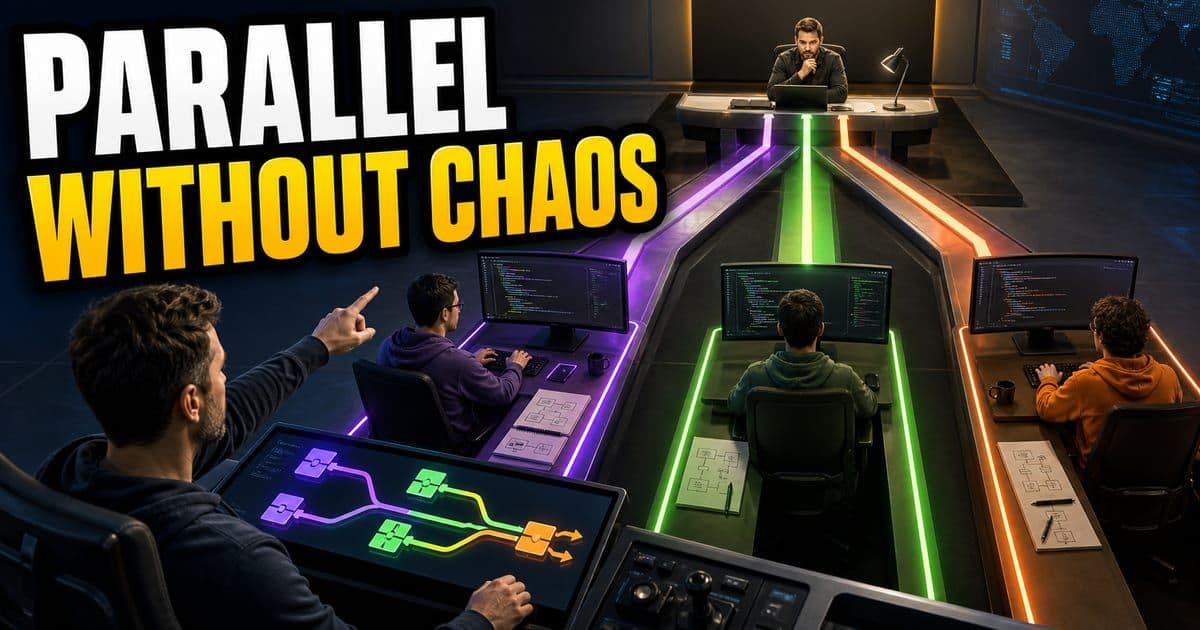
Run multiple coding agents only when each one has a separate branch, task, owner and done state. Do not let agents compete on the same files unless the goal is exploration. Parallel agents save time only when merge and review are planned up front.
On this page
- What is the working pattern for parallel coding agents?
- How should a team run parallel coding agents?
- What should you keep after the run?
- What are the two ways to run agents in parallel?
- When should I run several models on one problem?
- How do I actually start parallel agents in the CLI?
- Can I run one agent per incoming ticket?
- Why does best-of-N run in one directory when parallel tasks need a worktree each?
- Which of the parallel branches should I merge first?
- How many agents can one person actually keep up with?
What is the working pattern for parallel coding agents?
The working pattern for parallel coding agents is small enough to review and specific enough to repeat. Give the agent a named task and only the context it needs, then tie the result to a check you can rerun. The table below breaks that into moves.
- Move
- Start with a bounded task
- Use this when
- You have a named owner, target files and a clear done state
- Proof to save
- Issue, files, checks and owner are named
- Move
- Give the agent context
- Use this when
- The repo has patterns the agent must follow
- Proof to save
- Prompt cites files, errors and constraints
- Move
- Review the diff
- Use this when
- The task changes production code
- Proof to save
- Changed files, test output and risks are visible
| Move | Use this when | Proof to save |
|---|---|---|
| Start with a bounded task | You have a named owner, target files and a clear done state | Issue, files, checks and owner are named |
| Give the agent context | The repo has patterns the agent must follow | Prompt cites files, errors and constraints |
| Review the diff | The task changes production code | Changed files, test output and risks are visible |
A good AI coding workflow is specific enough to review and small enough to recover.
Each of those moves fails in its own particular way, and the order they come in is doing more work than it looks like it is. Skip the boundary and you get a diff nobody wants to read, because the agent has quietly rewritten files you never meant to open. Thin context fails more quietly: the code compiles, the tests pass, and it ignores every pattern the rest of the repo follows. Then there's the check, which to me is the real one, because it's the whole difference between a result you verified and a result you're taking someone's word for.
The step people skip is the plan. I think it's because it feels like overhead, thirty seconds of nothing visibly happening while you're trying to get work done. Actually, that's not quite the reason. It's that the cost of skipping it lands much later, so it never registers as the mistake it was. If the plan names files you didn't expect, you've learned something for free. If it names the right ones, you've got a reference to check the diff against when it arrives. And once there are four hundred lines on the screen, changing the approach means throwing that work away, which nobody is good at.
Interactive widget. Tab through its controls; the result updates in the panel below as you change them.
Open each stage to see what a reviewer should be able to inspect.
This is covered hands-on in Agent Mode Foundations — 6 short Units, free to read.
Rather do it than read about it? Run 11 interactive Cursor walkthroughs in a simulated editor. Free, no account needed.
How should a team run parallel coding agents?
Running parallel coding agents as a team comes down to one habit: leave a trail the next reviewer can follow. The steps below keep the prompt and its proof attached to the change, so nobody has to reverse-engineer what the agent did.
- 1Pick one real backlog item with a clear owner and expected result.
- 2Add only the context the agent needs: files, failing output, constraints and done state.
- 3Ask for a plan before code when the task touches more than one file.
- 4Run checks that match the risk: unit test, typecheck, visual pass or review checklist.
- 5Capture the prompt, diff, result and reviewer note so the workflow can be repeated.
Task, context, constraints, done state and checks.
Open the diff, read changed files and rerun the check yourself.
Prompt, diff, test output and the review note that proved the result.
What should you keep after the run?
Keep whatever lets you rerun the work or hand it to someone else. A finished task is the merged code plus the short trail that explains how it got there.
- The prompt or plan that shaped the work.
- The files changed and the reason each file changed.
- The command, screenshot or review note that proved the result.
- The rule, checklist or template you would reuse next time.
What are the two ways to run agents in parallel?
They split by intent. One agent per task fans out across separate jobs so more gets done at once. Best-of-N on one task points several models at the same problem and compares their answers. Pick by whether you want coverage or a better single answer.
Interactive diagram. Tab through its regions; each focused region shows its detail in the panel below.
When should I run several models on one problem?
When the answer is worth more than the spend. For a payment issue tied to a specific user, one PM kicked off a multi-agent run: four or five models investigating the same problem at once. Composer 2Cursor's in-house agentic coding model: frontier-level coding quality at high speed and low cost, built as a software-engineering specialist rather than a general-purpose model. Press Enter for the full definition., Opus 4.x, Sonnet and a GPT-5.x model all fired many searches against logs through the Datadog MCPModel Context Protocol. A standard that lets an AI agent pull in context from outside the repo, like Jira tickets or internal docs. Press Enter for the full definition.. One model stopped early. Comparing what the rest found let him fully debug the issue.
Best-of-four works because models fail differently. Read across their traces and the real cause usually falls out of the disagreement.
if it cost me a dollar that's worth it.
How do I actually start parallel agents in the CLI?
Open several terminal tabs and start an agent in each, in the same directory, each on a different model. One tab on Cursor's in-house ComposerCursor's own fast coding model, tuned for the editor and priced well below frontier models; the recommended day-to-day model for executing a plan. Press Enter for the full definition., another on a GPT-5.x model with a chosen reasoning level, a third on Opus 4.x. Give all three the same task. You get three competing implementations side by side. In the terminal, ⇧⇥ cycles the modes: auto-run, plan, ask, debug, agent. The IDE equivalent is creating new chats and managing them through history.
# tab 1
agent  # Composer (in-house, fast)
# tab 2
agent
/model  # -> GPT-5.x, reasoning: high
# tab 3
agent
/model  # -> Opus 4.x

# then paste the same prompt into all three:
# "use your best judgment and build the best bot; name it after your model"
The same multi-agent surface builds an iOS and an Android app in parallel from a single Agents window: open both projects as workspaces, add each platform's MCPModel Context Protocol. A standard that lets an AI agent pull in context from outside the repo, like Jira tickets or internal docs. Press Enter for the full definition. tools, and run agents in either project at once.
Sub-agents that parallelize across the iOS and Android targets were flagged as coming, not yet here.
Can I run one agent per incoming ticket?
Yes, and it is how a support engineer becomes an orchestrator instead of a serial worker. Spin up many agents at once, one per ticket: one on how do I log in with SCIMSystem for Cross-domain Identity Management. A standard for automatically creating and removing user accounts when people join or leave. Press Enter for the full definition., another on what does the analytics dashboard show. Review the work as it streams in and tap into each agent individually with little context switching. Time is the scarcest currency in support, and this keeps one person moving a steady volume of tickets instead of waiting on a single agent to finish.
Parallel tickets only work if each agent has its own task and you review as work lands, not after.
The biggest and most important currency that we have at Cursor and support team is time.
Why does best-of-N run in one directory when parallel tasks need a worktree each?
It comes down to what the outputs collide over, not how many agents are running. In the best-of-NSampling a model N times and keeping the best answer; a rising best-of-16 score shows training isn't collapsing the model to a single solution. Press Enter for the full definition. example above, each model was told to name its bot after itself, so three agents in one checkout wrote three different files and never touched each other's work.
Two agents, two sessions
0:22 · narratedRead this demo as text
- Look at the Agents sidebar. Two sessions on acme — one running the cart check, one queued for SearchBox copy.
- Send the split ask. Parallel means separate sessions — worktree or branch cues keep them from stomping the same files.
Practice next: Practice this yourself in the hands-on module.
Simulated Cursor 3.12 (macOS, light) — beta educational reconstruction, not the real product.
Point those same three at "fix the checkout bug" and they edit the same file in the same working tree. One agent's uncommitted edits become part of what the next one reads. Then you spend the afternoon unpicking a tree that three agents were writing to at once. /worktree gives a session its own checkout, which is more separation than a branch: a branch still shares the working tree, a worktree does not.
So the test is whether two agents can write the same path, and when the answer is maybe, assume yes.
Which of the parallel branches should I merge first?
The one that touches shared code. Merge it first and everything else rebases onto a settled base while you still remember what each agent was doing. Leave it until last and every other branch needs re-reviewing after the rebase, because the diff you approved is no longer the diff that lands.
Granted, on a three-person team this is bookkeeping you can hold in your head. It stops being that around the point where the agents' owners are no longer all in the same conversation, and then the order has to be written down somewhere. I'd rather have a dull rule about it than a judgment call per branch. Where exactly that threshold sits is a guess.
How many agents can one person actually keep up with?
It depends what lands. A support agent hands back an answer you can judge in the time it takes to read it, so one person really can keep a queue of tickets moving. A branch is different work: you read the code, you run the check, and only then do you know whether the agent was right.
That asymmetry is worth designing around. Where the output is prose or a diagnosis, fan out wide and review as it streams in. Where it is a diff against production code, the honest limit is however many diffs you will actually open, and every agent past that number is building a queue with extra steps.
Frequently asked questions
Who is this guide for?
Teams experimenting with parallel agent work.
What should I do next?
Start with one real repo task, capture the prompt and review the result before scaling the workflow.
What's the difference between one-agent-per-task and best-of-N?
One-agent-per-task fans agents across separate jobs to cover more ground, and each needs its own branch and done state. Best-of-N points several models at the same problem to get a stronger single answer; you compare their outputs and keep the best. Use coverage for many independent low-risk jobs and best-of-N for high-value planning or debugging.
Sources & last verified
- Cursor agent best practices
- Cursor Learn: working with agents
- Cursor Learn: context
- Cursor docs: prompting agents
Cursor ships frequently. Facts verified against primary sources on July 9, 2026.