Cursor Origin
The Origin Migration API: Transition and Detach a Mirrored Repo
The Origin Migration API is for operators moving repositories between GitHub and Origin mirrors, called from a script you run as a Cursor user, not from an Origin App. Four endpoints transition a failed initial mirror to inbound, poll the transition job, and permanently detach a mirror so the repository becomes native. It is Early Beta and subject to change.
On this page
Who is the Origin Migration API for?
This API is narrower than the rest of the Origin API, and the docs are explicit about who should call it. This section covers the audience, how to authenticate, and the scope rule that keeps Origin Apps out.
Cursor describes it as being for operators migrating repositories between GitHub and Origin mirrors. You call the endpoints from a migration script that you run as a Cursor user. You sign in with origin auth login, or pass a Cursor API key through origin api. The endpoints share the Origin API base URL, https://api.cursor.com/v1/origin, and the same error model. Origin is in Early Beta and subject to change, so the docs tell you to review the OpenAPI specification when you update an integration.
Scopes are the guardrail. repository:mirror:write, repository:mirror:delete and repository:mirror:read are user policy scopes. An Origin App cannot request repository:mirror:write or repository:mirror:delete during installation and cannot call these endpoints at all. An app can request repository:mirror:read, but only to read the mirror field on Get Repo.
This is covered hands-on in Cursor Compile 2026 — 1 short Unit, free to read.
Rather do it than read about it? Run 11 interactive Cursor walkthroughs in a simulated editor. Free, no account needed.
What do the four endpoints do?
Two endpoints change a repository and two report on a transition. The table lists them with the scope each requires, and the sections after it cover the behavior worth knowing before you run a script.
- Endpoint
- Transition Repo Mirror
- Method and path
POST /v1/origin/repos/{ownerSlug}/{repoName}/mirror:transition- Scope
repository:mirror:write
- Endpoint
- Detach Repo Mirror
- Method and path
DELETE /v1/origin/repos/{ownerSlug}/{repoName}/mirror- Scope
repository:mirror:delete
- Endpoint
- Get Mirror Transition Job
- Method and path
GET /v1/origin/repos/{ownerSlug}/{repoName}/mirror/transition-jobs/{jobId}- Scope
repository:mirror:read
- Endpoint
- Get Active Mirror Transition Job
- Method and path
GET /v1/origin/repos/{ownerSlug}/{repoName}/mirror/transition-jobs:active- Scope
repository:mirror:read
| Endpoint | Method and path | Scope |
|---|---|---|
| Transition Repo Mirror | POST /v1/origin/repos/{ownerSlug}/{repoName}/mirror:transition | repository:mirror:write |
| Detach Repo Mirror | DELETE /v1/origin/repos/{ownerSlug}/{repoName}/mirror | repository:mirror:delete |
| Get Mirror Transition Job | GET /v1/origin/repos/{ownerSlug}/{repoName}/mirror/transition-jobs/{jobId} | repository:mirror:read |
| Get Active Mirror Transition Job | GET /v1/origin/repos/{ownerSlug}/{repoName}/mirror/transition-jobs:active | repository:mirror:read |
Endpoints from Cursor's Origin Migration API documentation, checked October 17, 2026.
Transition starts a mirror-state change on a mirrored repository and returns the job tracking it. The only transition the docs allow today is initial_to_inbound, which retries a mirror whose initial sync failed and brings it to inbound. The repository enters a transitioning mirror status while the job runs, and the caller must administer the repository on the mirror's upstream source, otherwise the call returns 403. A repository that is not in the transition's expected start state, or that already has an active transition job, returns FailedPrecondition with HTTP 400.
How do you follow a mirror transition job?
A transition is a job, not a single call, so a script has to poll. The docs give two read endpoints for that, and a rule about which field to trust.
Get Mirror Transition Job returns one job by ID, and an unknown ID returns 404. Its status is one of queued, running, succeeded, failed_rolled_back, requires_attention or superseded. Three of those are terminal: succeeded, failed_rolled_back and superseded. requires_attention needs operator intervention, so a script should stop and report on it and not keep polling.
The phase field gives progress detail, with values such as draining-writes, initializing-mirror-fetch, verifying-integrity and rolling-back. The docs warn that new phases can appear as the transition process evolves, so poll status for completion instead of matching on phases. A failed job carries a stable lastErrorCode, for example InboundMirrorDrainTimeout or MirrorIntegrityMismatch, with a human-readable lastErrorMessage. During the write-drain window the job also reports drainUntil.
Get Active Mirror Transition Job is the convenient one for scripts. It returns the repository's currently active job and its most recent terminal job, and both fields are optional, so a repository that has never transitioned returns an empty object. Poll it to follow a transition: once activeJob disappears, lastJob tells you how it ended.
What happens when you detach a mirror?
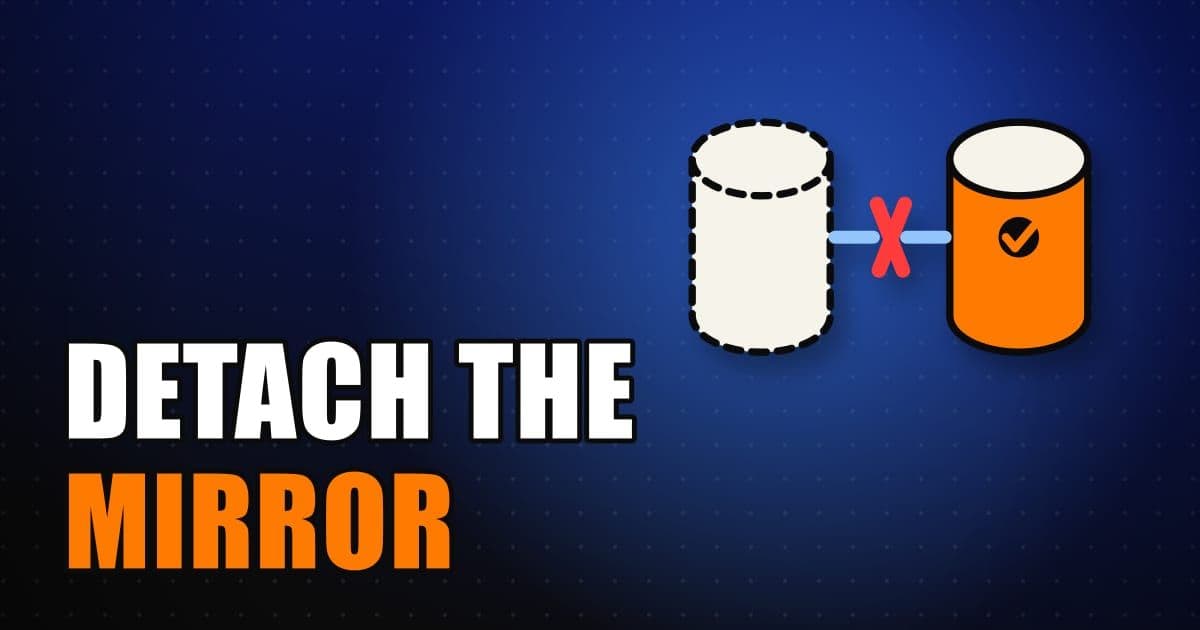
Detaching is the one irreversible operation in this API, so its behavior is worth reading before you add it to a script. It turns a mirrored repository into a native Origin repository, and Cursor says it is not reversible through this API.
- The repository keeps its current contents and becomes a native repository, and syncing stops in both directions. Origin keeps the mirror's deploy key but does not use it while the repository is detached.
- For an
inboundrepository, Origin stops the mirror and waits up to 2 minutes for its last fetch from GitHub, so a fetch already underway cannot overwrite pushes made after the detach. - If that fetch fails, or Origin cannot resolve the repository's GitHub remote, the request returns
FailedPreconditionwith HTTP 400. Other failures return errors such asUnavailable(503) orDeadlineExceeded(408). In each case the repository stays mirrored, so you fix the cause and retry. - When the GitHub App installation is gone or suspended, or the GitHub repository no longer exists, Origin detaches without a last fetch.
- A repository that never had a mirror returns
FailedPrecondition, while detaching an already-detached repository succeeds without effect. A detach that races another change to the mirror state also returnsFailedPrecondition.
Success is a 204 No Content with an empty body. The scope is repository:mirror:delete, which the docs call Admin, and it is the one that apps can never hold.
When should you use the API instead of the Origin UI to detach a mirror?
Most people mirroring a single repository never need this API, because the web UI covers the same ground one repository at a time. This section sets the two side by side so you can tell which one fits, using the mirror documentation for the UI half.
In the UI, you mirror with Sync from GitHub on the codebase home, and you detach from Settings, then General, with Detach from GitHub under Danger Zone. The mirror docs describe the result the same way the API docs do: syncing stops, the Origin copy becomes a standalone Origin-hosted repository, Origin becomes the source of truth, and pushes to the Origin remote no longer flow to GitHub. Your GitHub repository is not affected.
The API is the route when there are many repositories and a script is the only sensible way through them, and it adds job reporting that the UI does not describe: transition jobs with statuses, phases and error codes. It also carries the stricter access rules covered above, since it needs a user token with the mirror scopes and administration rights on the upstream source. The prerequisites for mirroring itself still apply, including the Cursor GitHub app on the owning org or account and GitHub admin access on the repository.
Before detaching anything, it helps to know what a mirror carries. The mirror docs list Git history, branches and tags, browsable and searchable code, GitHub pull requests you can review in Cursor, and ongoing updates as included, while GitHub Issues and GitHub Actions workflows and secrets are not synced. Origin also does not sync GitHub branches named origin or origin/..., so they cannot overwrite an Origin-only workspace. Issues and CI configuration stay on GitHub, which is worth remembering when a detach is meant to be the end of a migration.
Frequently asked questions
Can an Origin App call the Migration API?
No. An Origin App cannot request the write or delete mirror scopes during installation and cannot call these endpoints. It can request repository:mirror:read, but only to read mirror on Get Repo.
What does the initial_to_inbound transition do?
It retries a mirror whose initial sync failed and brings it to inbound. It is the only transition value the docs list today.
How do I know a mirror transition finished?
Poll the job's status, not its phase. succeeded, failed_rolled_back and superseded are terminal, and requires_attention needs an operator. Or poll the active-job endpoint and read lastJob once activeJob disappears.
Can I reattach a repository after detaching it?
Not through this API. Cursor says detaching is not reversible through it, and syncing stops in both directions once the repository becomes native.
Sources & last verified
Cursor ships frequently. Facts verified against primary sources on October 17, 2026.