Skills as Portable Workflows
When a workflow has scripts, references or assets, make it a Skill.
Use the right surface
After this you can pick Skills for the right job and define done.
Done means the workflow becomes portable, versioned and easier for Cursor to execute consistently.
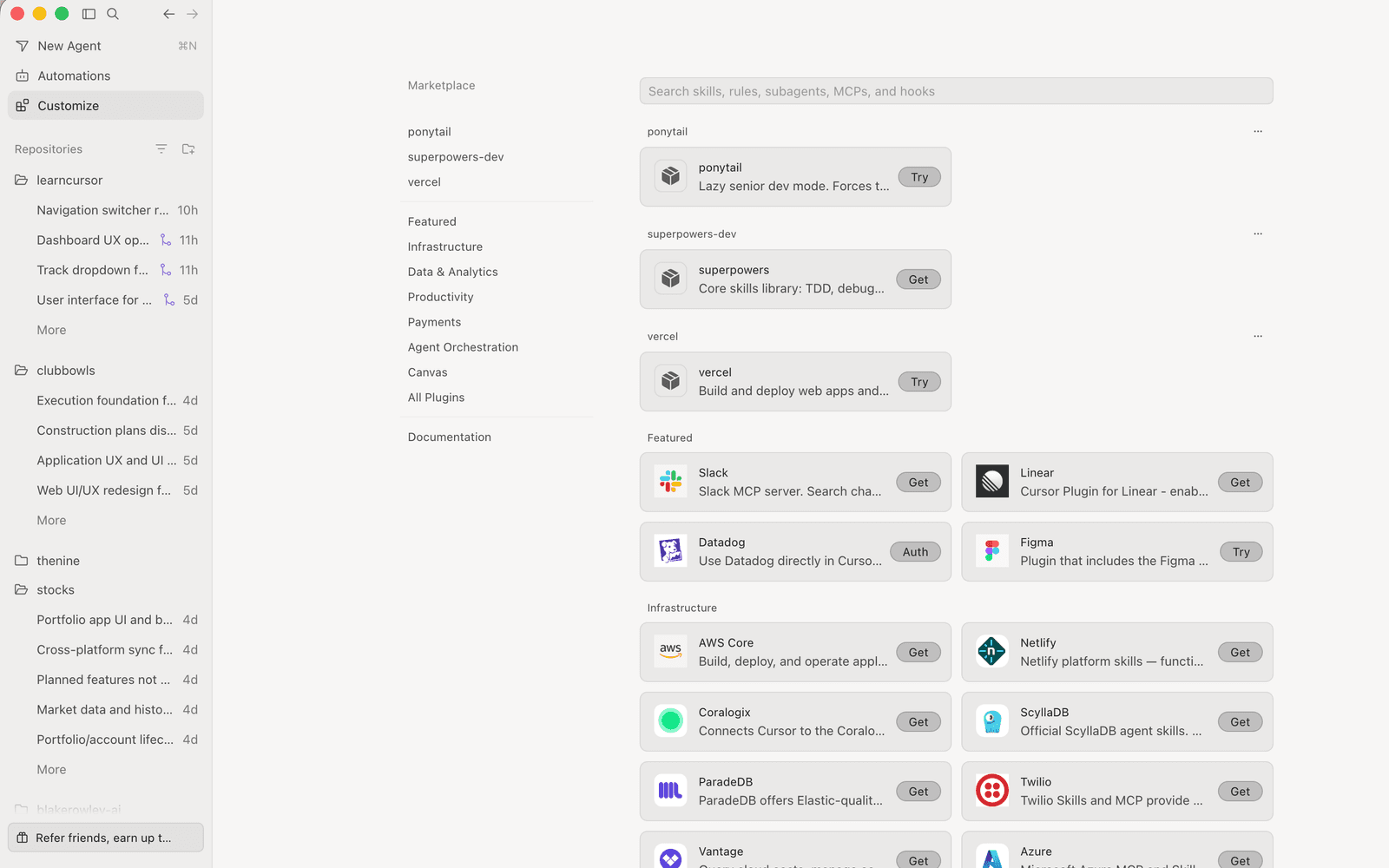
Durable workflows live in scoped rules, skills, hooks and approved MCP tools.
Use Skills when a repeated workflow is too large or structured for a rule. Keep the boundary narrow.
Start small. Name the job, attach the context that proves the point and decide what evidence would make the output trustworthy.
Read the loop before touching the controls. The first beat frames the work, the second uses Cursor, the third checks the result and the fourth leaves a handoff someone else can inspect.
Interactive diagram. Tab through its regions; each focused region shows its detail in the panel below.
Run this loop in a real repo.
- Entry point
- SKILL.md with scripts, references and assets
- Source
- Skills docs
Use the source as the product reference.
Ask Cursor for an output you can inspect.
If the output cannot be checked, narrow the task before you continue.
A good run leaves a file, setting, screenshot, command result or written claim you can verify.
Takeaway. Done means the workflow becomes portable, versioned and easier for Cursor to execute consistently.
Self-check
QWhen should you reach for Skills?
Run it
After this you can do the task with clear scope and one proof point.
Treat this as a short practice loop, not a product tour. The task should be small enough that you can inspect the result without trusting the summary.
- 1Identify the repeatable job and its required inputs.
- 2Move long instructions into SKILL.md.
- 3Place scripts, references or templates next to the skill.
- 4Run the skill on a small real task and revise the instructions.
The exercise is complete only when the proof matches the requested outcome. If the proof is weak, reduce the scope or fix the context instead of adding more instructions.
Keep the task small enough to review.
Supporting files are local to the skill.
Takeaway. Stop when you have proof: The skill has a clear trigger and outcome..
Self-check
QWhich habit makes this workflow safe to use on a real project?
Check it
After this you can find the first failed check before changing tools.
Verification decides the next move.
Interactive diagram. Tab through its regions; each focused region shows its detail in the panel below.
Pick a row to see what to look for.
Use the first failure signal as the next prompt. Broad retries usually make the run noisier; a narrow retry gives Cursor a concrete repair target.
No proof means more checking.
Use a real repo or admin setting. Save the prompt, context and proof.
Takeaway. If it fails, find the first failed check.
Self-check
QThe workflow failed. What is the best first move?