Guide
How to Give an AI IDE Repo Context
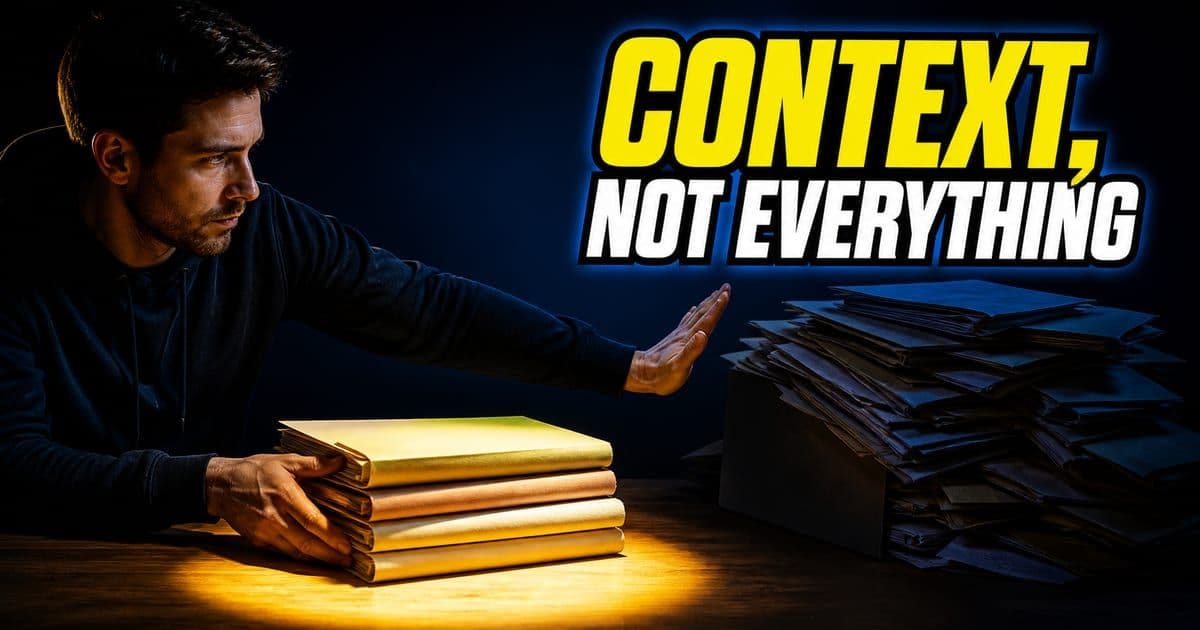
Give an AI IDE repo context by naming the files that matter, adding the failing output, pointing to existing patterns and stating what should not change. Don't paste the whole repo into the prompt. Better context is specific, current and tied to the task.
On this page
What does a reviewable agent task look like?
Give the agent one named task, only the context it needs and a check you can rerun. A task shaped this way produces a diff small enough to review and a result you can repeat.
- Move
- Start with a bounded task
- Use this when
- You have a named owner, target files and a clear done state
- Proof to save
- Issue, files, checks and owner are named
- Move
- Give the agent context
- Use this when
- The repo has patterns the agent must follow
- Proof to save
- Prompt cites files, errors and constraints
- Move
- Review the diff
- Use this when
- The task changes production code
- Proof to save
- Changed files, test output and risks are visible
| Move | Use this when | Proof to save |
|---|---|---|
| Start with a bounded task | You have a named owner, target files and a clear done state | Issue, files, checks and owner are named |
| Give the agent context | The repo has patterns the agent must follow | Prompt cites files, errors and constraints |
| Review the diff | The task changes production code | Changed files, test output and risks are visible |
Each move leaves proof that a reviewer can check later.
Each move fails in its own way. Without a boundary, the agent edits files you never meant to open, and the diff becomes hard to read. Thin context fails more quietly: the code compiles and the tests pass, but the change ignores patterns the rest of the repo follows. Without a check you can rerun, you are taking the agent's word that the work is done.
Asking for a plan before the agent writes code is the easiest step to skip. It means a short wait while nothing visible happens, and the price of skipping it shows up later, in review.
If the plan names files you didn't expect, you learn that before any code exists. If it names the right files, you have a list to check the diff against. Once four hundred lines of diff are on screen, changing the approach means throwing that work away.
This is covered hands-on in Codebase Understanding and Context — 4 short Units, free to read.
Rather do it than read about it? Run 11 interactive Cursor walkthroughs in a simulated editor. Free, no account needed.
Can I adapt the prompt to my repo?
Yes. Treat the frame below as a starting point. Fill in your own files, constraints and done state, and keep the plan step, so the agent commits to an approach before it writes code.
Task: [one outcome]
Context: [files, errors, docs and examples]
Boundary: [what not to touch]
Done when: [test, typecheck, screenshot or review proof]

Before editing, write a short plan with files, risk and checks.
Fill the Context line with things the agent can open: file paths, the exact error text and the doc or example to follow. Paste errors instead of paraphrasing them, because a paraphrase drops the detail the agent needs to trace the cause.
The Boundary line is easy to leave out, and in our view it does the most work. Without it, every file the agent can reach is fair game. You end up reviewing incidental edits to config, imports and helpers you had forgotten about, mixed in with the change you wanted. Naming what not to touch takes a few seconds, and reverting stray edits afterwards takes far longer.
"Done when" has to name something you can run or look at: a test name, a typecheck, a command whose output you can read, or a screenshot of one specific state. "Done when the bug is fixed" doesn't count. It hands the judgment back to the agent, and the agent will report that the work is finished either way.
How should a team run each agent task?
The habit that matters most for a team is leaving a trail the next reviewer can follow. The steps below keep the prompt and its proof attached to the change.
- 1Pick one real backlog item with a clear owner and expected result.
- 2Add only the context the agent needs: files, failing output, constraints and done state.
- 3Ask for a plan before code when the task touches more than one file.
- 4Run checks that match the risk: unit test, typecheck, visual pass or review checklist.
- 5Capture the prompt, diff, result and reviewer note so the workflow can be repeated.
Match the effort to the change. A one-file fix needs a clear done state and a typecheck, and a plan adds little. A change across several files is where a plan pays for itself, and where the check should include tests and a reviewer who knows that code.
What should you keep after the run?
Keep whatever lets someone rerun the work or pick it up later. A finished task is the merged code plus a short trail that shows how it got there.
- The prompt or plan that shaped the work.
- The files changed and the reason each file changed.
- The command, screenshot or review note that proved the result.
- The rule, checklist or template you would reuse next time.
The last item pays off over time. A rule or template saved from one good run means the next run starts from what already worked, not from a blank prompt.
How do I give the AI context across more than one repo?
Put every repo the feature touches into one workspace. The workspace defines what the agent can see, so with a backend repo, a frontend repo and the docs side by side, it can trace a feature end to end instead of guessing at the boundaries.
The setup is mechanical. Make an empty parent folder, git clone each repo into it, then open the parent folder as the workspace.
If you only open the frontend and ask what happens when you click a button, you get the frontend half. With every repo present, the agent follows the click through to backend persistence.
If you have your backend docs and your front-end repos all in one workspace, what you're doing is enhancing Cursor's ability to add context between those different repositories.
How can an AI agent help you learn an unfamiliar repo?
Ask the agent for a structured digest of a repo you've never seen, instead of clicking through its files for an afternoon. The presenter of Cursor's security workshop uses agents this way to learn systems the team has never worked on. He says models are good at ramping you in, that no question is too basic to ask, and that you can make real progress on a system you didn't know last week.
"Evaluate this repo and give me a digest: how old is the project, the top 10 contributors with their contribution counts and tenure, the project's goals, basic hygiene (security policy, CI, a defined dev process), and the top-level architecture."
The agent assembles in minutes what would take a long time to pull together by hand, and it gives you a shared map before you touch any code.
After the agent explains a system, ask it to generate a visualization of the [system] using Mermaid. Cursor renders Mermaid diagrams, so one prompt can turn dense code into flowcharts of the data flow, standard and optimized configs, a before-and-after or the architecture.
Frequently asked questions
Who is this guide for?
Developers working in larger repos or unfamiliar codebases.
What should I do next?
Put every repo your next feature touches into one parent folder and open it as the workspace. Ask the agent for a digest of any repo you don't know before you ask it to change code.
Should I paste the whole repo into the prompt?
No. Name the files that matter, add the failing output, point to an existing pattern and say what should not change. Context that is specific, current and tied to the task gives the agent more to work with than a dump of the whole codebase.
Can Cursor draw a diagram of my codebase?
Yes. After the agent explains a system, ask it to generate a visualization of that system using Mermaid. Cursor renders Mermaid diagrams, so one prompt can turn dense code into flowcharts of the data flow or the architecture.
Sources & last verified
- Cursor docs: prompting agents
- Cursor Learn: context
- Cursor Learn: working with agents
- Cursor agent best practices
Cursor ships frequently. Facts verified against primary sources on October 28, 2026.