Cursor Origin
Cursor Agents and Automations on Origin Repositories
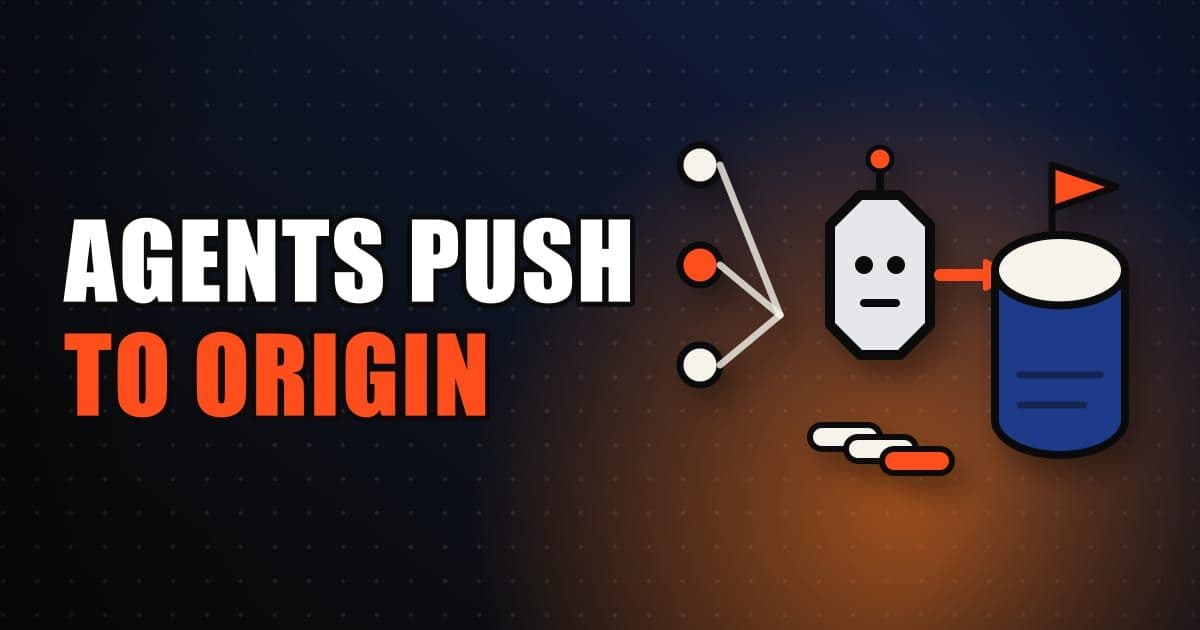
Origin works with Cursor Automations and cloud agents so agents can review, change and push code on your Origin repositories. Point an automation at an Origin repo like any connected repo, using push, pull request and label triggers. Cloud agents clone, branch, commit and push, and open Origin pull requests on repos created on Origin.
On this page
How do agents work with Origin repositories?
Origin is in early beta, and its docs describe it as a place to create repos, push and pull with git, mirror from GitHub, browse and search code, open and merge pull requests and share with your Cursor team. This section sets out the three ways agents come into that picture, which the rest of the article takes in turn.
- Agent type
- Automations
- What it does on Origin
- Run cloud agents on a schedule or when source-control events fire, against an Origin repo
- How you start it
- cursor.com/automations, the Agents WindowCursor's surface listing your agent runs; open a run to read its diff and search transcripts from the command palette. Press Enter for the full definition., or the
/automateskill
- Agent type
- Cloud agents
- What it does on Origin
- Clone, branch, commit and push to Origin repositories
- How you start it
- Attach to an Origin repo from your team's codebase, as with other connected source control
- Agent type
- Local agents
- What it does on Origin
- Create Origin repositories through the Origin CLI
- How you start it
- Ask the agent in Cursor to create a repo on Origin
| Agent type | What it does on Origin | How you start it |
|---|---|---|
| Automations | Run cloud agents on a schedule or when source-control events fire, against an Origin repo | cursor.com/automations, the Agents WindowCursor's surface listing your agent runs; open a run to read its diff and search transcripts from the command palette. Press Enter for the full definition., or the /automate skill |
| Cloud agents | Clone, branch, commit and push to Origin repositories | Attach to an Origin repo from your team's codebase, as with other connected source control |
| Local agents | Create Origin repositories through the Origin CLI | Ask the agent in Cursor to create a repo on Origin |
Agent paths from Cursor's Origin agents documentation, checked October 17, 2026.
One thing holds across all three: agents use your Cursor account's Origin access. The create-repository docs spell out the consequence, which is that agents use the same permissions as your account and you need access to Origin code storage for a create to succeed.
This is covered hands-on in Cursor Compile 2026 — 1 short Unit, free to read.
Rather do it than read about it? Run 11 interactive Cursor walkthroughs in a simulated editor. Free, no account needed.
How do you point a Cursor Automation at an Origin repository?
Cursor AutomationsA cloud agent set to run on a schedule or an event trigger; each one is a trigger plus an instruction plus the tools it may use. Press Enter for the full definition. run cloud agents on a schedule or when source-control events fire, and Origin repositories are a supported target. You point an automation at an Origin repo the same way you would at a connected GitHub or GitLab repo, so the setup will be familiar if you already have one.
The Origin docs name three common triggers for Origin repos. Push to branch fires on a push to, for example, main or master. Pull request opened and Pull request pushed cover the start and the updates of a pull request, along with related PR events. Label change fires when a label is added to or removed from a pull request. The full trigger list lives in the Automations docs, and it is worth reading there before you assume a trigger exists for Origin.
- 1Create the automation from cursor.com/automations, the Agents WindowCursor's surface listing your agent runs; open a run to read its diff and search transcripts from the command palette. Press Enter for the full definition., or the
/automateskill from a local agent session. - 2Choose the Origin repository, or a multi-repo environment that includes it.
- 3Set the trigger and write the prompt.
- 4Save and activate the automation.
Two questions about cost and ownership come up as soon as a team shares an automation, and the Origin page defers to the Automations docs for both. Automations create cloud agents and are billed on cloud agent usage. On a team account the Run as setting decides who pays: Me bills the creator, while Service account bills the team's usage pool and runs the automation as its own dedicated service account. Only team admins can choose the service account, and personal accounts always bill to you.
Moving an automation to a service account stops it using your auth. The Automations docs say to regenerate the webhook API key if it uses webhook triggers, and to configure any personal OAuth integrations for the team's service account instead.
What can cloud agents do on Origin, and which pull requests do they open?
Cloud agents can work against Origin repositories by cloning, branching, committing and pushing. What they do after the push depends on where the repository came from, which is the detail most worth remembering.
- On a repository created on Origin, cloud agents can open Origin pull requests.
- On a repository mirrored from GitHub, cloud agents open GitHub pull requests, where GitHub stays the source of truth.
You attach a cloud agent to an Origin repo from your team's codebase, the same way you attach one to other connected source control. That symmetry is the design: an Origin repo is another repository to the agent, and the difference shows up only in where the pull request lands. If you are planning agent work across a mixed estate, count mirrored repos separately, since their review happens on GitHub.
What do you need in place before agents can use Origin?
Agents inherit your access, so the prerequisites are mostly about your account and, for mirrored repos, about GitHub. This section collects what the Origin docs require, because a missing prerequisite shows up as a failed agent task and not as a clear error.
For Origin itself, the mirror docs list a Cursor account with Origin access on Premium or higher, Teams, Enterprise, or a legacy paid Cursor plan. To mirror a GitHub repository you also need the Cursor GitHub app connected to the org or account that owns the repo, and GitHub admin access on the repository, which is required to enable the mirror. Mirroring copies the repo into Origin and keeps Origin updated as the GitHub repo changes, while GitHub stays the source of truth.
On the automation side, the Automations docs add a repository setting with three choices: no repository, a single repository and branch, or a multi-repo environment. For source-control triggers, specifying a repository or a multi-repo environment is required, and with no repository an automation cannot edit code or open pull requests. That is the reason the Origin steps above start with choosing the repo before the trigger.
Put together, the practical order is to confirm your plan and Origin access first, mirror or create the repository second, and only then attach an agent or automation. Doing it in that order means the first failure you see is about the agent prompt, not about missing access.
Can a local Cursor agent create an Origin repository?
Yes, through the Origin CLI. The path is short enough to describe in one pass, and it pairs with the CLI install page, which also notes that the Origin CLI (origin) is separate from the Cursor Agent CLI (agent).
- 1Install the Origin CLI with
curl -fsSL https://downloads.cursor.com/origin/install.sh | sh. The binary lands at~/.local/bin/origin, so add that directory to yourPATHif your shell cannot find it. - 2Sign in with
origin auth loginand complete the browser flow with the Cursor account that has Origin access. Signing in also sets up the git credential helper, sogit pushandgit pullagainst Origin remotes work without further setup. - 3Create the repository with
origin repo create my-project. Without a slash it is created in your account's namespace. - 4Set the remote and push.
You do not have to type any of that yourself. The CLI docs say Cursor agents can drive the same commands, so asking an agent to store a project on Origin can lead it to install the CLI, sign in, create the repo, set the remote and push. If you prefer to stay in the browser, the repository can also be created from the Origin UI at cursor.com/codebase.
Frequently asked questions
Which triggers can start an automation on an Origin repository?
Cursor's Origin docs list push to a branch such as main, pull request opened and pushed, and a label added to or removed from a pull request as common triggers. The Automations docs hold the full trigger list.
Do cloud agents open Origin pull requests or GitHub pull requests?
It depends on the repository. On a repo created on Origin they can open Origin pull requests, and on a repo mirrored from GitHub they open GitHub pull requests.
Whose permissions do agents use on Origin?
Your Cursor account's. Agents use the same permissions as your account, and creating a repository requires access to Origin code storage.
Is the Origin CLI the same as the Cursor Agent CLI?
No. The Origin CLI (origin) is separate from the Cursor Agent CLI (agent).
Sources & last verified
- Cursor docs: Origin agents and automations
- Cursor docs: Create an Origin repository
- Cursor docs: Install the Origin CLI
- Cursor docs: Automations
- Cursor docs: Mirror a GitHub repository
Cursor ships frequently. Facts verified against primary sources on October 17, 2026.