Cursor Agents
Cloud Agent Builds: Setup, Speed and Fallbacks
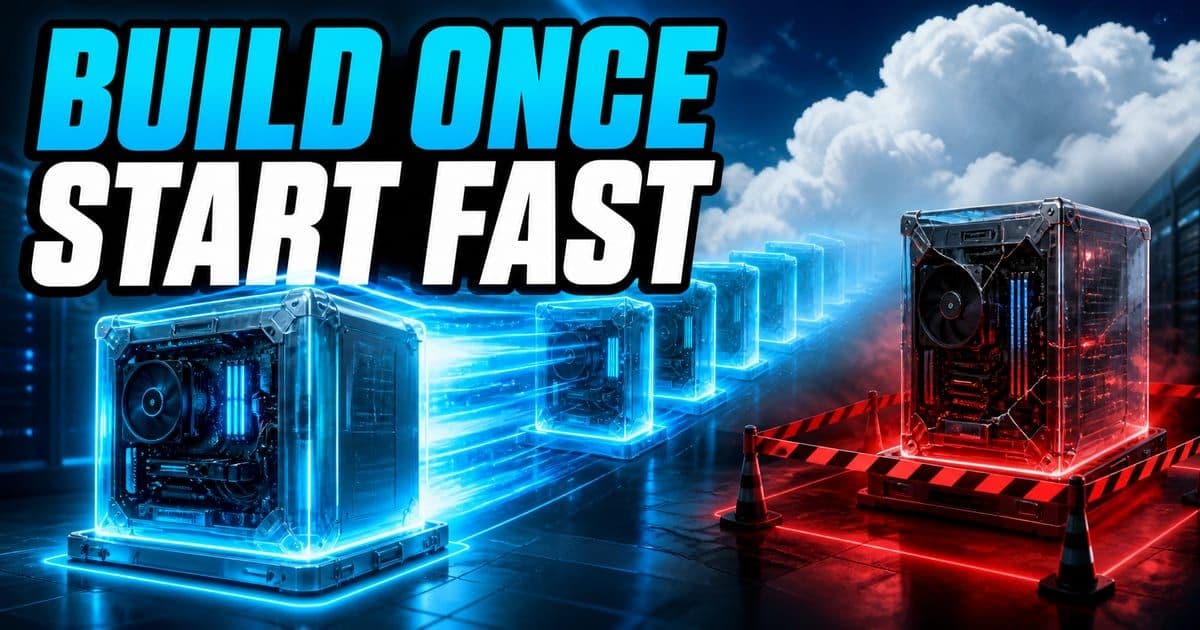
Cursor Cloud Agent Builds prepare reusable development environments in the background so agents start with the repository cloned, dependencies installed, and the install command complete. New environments use Builds automatically; existing ones can opt in from the Builds tab. Failed builds never become active, and agents keep using the last successful build. Builds add no charge beyond Cloud Agents.
On this page
- What are Cursor Cloud Agent Builds?
- What belongs in the install command versus the start command?
- What happens when a Cloud Agent Build fails?
- How do you enable Builds for a new or existing environment?
- What can you verify in the Builds tab?
- Do Cloud Agent Builds cost extra, and how should you measure them?
What are Cursor Cloud Agent Builds?
A Build is a ready-to-use copy of a Cloud Agent development environment that Cursor prepares before an agent gets its first prompt. The repository is cloned, dependencies can be installed, and the environment's install script has already run. When a build succeeds, Cursor makes it the starting environment for future agents and keeps warm copies ready in the background.
The point is to remove repeated setup from every run. Cursor reports that its internal environments now boot 10 times faster and reach the first token 3 times faster. Those are Cursor's own platform measurements from the August 13, 2026 launch, not a promise that every repository will see the same ratio. A project with a short install has less time to remove than one with a large dependency graph.
- Prepared ahead
- Repository clone, dependencies, and install command
- Runs at first prompt
- Start command for services that must be fresh
- Activation
- Automatic for new environments; opt-in for existing environments
- Failure behavior
- Keep using the last successful build
- History
- Status, logs, commit SHA, and build used by each agent run
- Price
- Included with Cloud AgentsAgents that run in a Cursor-managed virtual machine, check out the repo, do the work and open a pull request, then shut down, with no load on your laptop. Press Enter for the full definition. at no additional cost
Cursor Cloud Agent Builds changelog, checked August 14, 2026.
This exact topic is a hands-on Lesson: Split install, start and terminal commands — about 7 minutes, free to read.
Rather do it than read about it? Run 11 interactive Cursor walkthroughs in a simulated editor. Free, no account needed.
What belongs in the install command versus the start command?
Put work that can be prepared ahead of time in the install command. Dependency installation, compilation prerequisites, and other reusable setup belong there because Cursor can capture their result in a successful Build. The start command still runs when the first prompt arrives and should focus on services or state that must be fresh for that particular agent session.
- Command
- Install
- When it runs
- During the background Build
- Use it for
- Reusable setup that can be prepared before an agent starts
- Command
- Start
- When it runs
- When the agent receives its first prompt
- Use it for
- Services that need fresh session state
| Command | When it runs | Use it for |
|---|---|---|
| Install | During the background Build | Reusable setup that can be prepared before an agent starts |
| Start | When the agent receives its first prompt | Services that need fresh session state |
The exact commands depend on the repository. Cursor defines the timing boundary, not a universal package-manager command.
Moving everything into install can freeze state that should be created per session. Leaving everything in start preserves the old wait on every run and throws away much of the feature's value. Split the setup by lifetime, then test a new agent against the actual application. The right configuration is the one that starts quickly and still runs the current code with its required services.
What happens when a Cloud Agent Build fails?
A failed Build does not become active. Cursor notifies you and future agents continue from the last successful build while the broken build is investigated. This protects active work when a bad commit or dependency update stops the latest environment from preparing. The fallback is about environment availability; it does not make the bad commit correct or update the older build behind the scenes.
Check which commit and Build an agent actually used before debugging a surprising result. An agent may start from the previous successful environment while checking out newer repository code, depending on what failed during preparation. The Builds history provides the status, logs, commit SHA, and run association needed to separate an environment failure from a code change.
The last successful Build may contain older dependencies or prepared artifacts than the failed candidate. Treat the fallback as temporary continuity and repair the latest Build rather than leaving the environment pinned indefinitely.
Run the repository's normal checks after the agent starts. A green environment build and a green application test prove different things.
How do you enable Builds for a new or existing environment?
New Cloud Agent environments use Builds automatically. For an existing environment, open it in the Cloud AgentsAgents that run in a Cursor-managed virtual machine, check out the repo, do the work and open a pull request, then shut down, with no load on your laptop. Press Enter for the full definition. dashboard, select the Builds tab, and choose Enable Builds. Cursor also offers Run setup agent first, which tests the migration and lets you review proposed configuration changes before enabling the feature.
- 1Open the target environment in Cursor's Cloud AgentsAgents that run in a Cursor-managed virtual machine, check out the repo, do the work and open a pull request, then shut down, with no load on your laptop. Press Enter for the full definition. dashboard.
- 2Select the Builds tab and inspect any existing setup details.
- 3For an older environment, run the setup agent first when you want a reviewed migration proposal.
- 4Enable Builds, trigger a manual Build if needed, and wait for a successful status.
- 5Start a test agent and confirm the run history identifies the expected Build and commit SHA.
Cursor also lets you trigger a Build manually, ask an agent to debug a failed Build, and configure the threshold that controls how stale Builds refresh. Use a manual trigger after a setup change that you need to validate immediately. Use the refresh threshold to express acceptable staleness, then verify its effect in history instead of assuming the setting has already produced a new successful build.
What can you verify in the Builds tab?
The Builds tab records build status, logs, commit SHAs, and which build each agent run used. That makes it the first place to look when one environment starts quickly and another does not, or when a dependency appears different between runs. Match the failed log to its commit before changing setup, and keep the successful Build ID with any performance comparison.
Agents can inspect and manage Builds with built-in tools, but a person should still review changes to environment setup. Install commands execute code and can fetch dependencies, so a proposed repair has a supply-chain and credential boundary like any other environment change. Review the diff, rerun the Build, and confirm a new agent used it before calling the repair complete.
Do Cloud Agent Builds cost extra, and how should you measure them?
Builds are included with Cloud AgentsAgents that run in a Cursor-managed virtual machine, check out the repo, do the work and open a pull request, then shut down, with no load on your laptop. Press Enter for the full definition. at no additional cost. Agent model usage and the rest of the Cloud Agent plan still follow their normal billing. The feature removes repeated environment preparation; it does not make the agent's coding, tool calls, or model tokens free.
Measure your own before and after from agent launch to usable first response, then separately track whether the application can run its checks. Keep repository, commit, region, and environment configuration fixed. Cursor's reported 10x internal boot and 3x time-to-first-token improvements are useful launch evidence, while your recorded run shows whether Builds removed the delay that mattered in this project.
Include failed builds in the review rather than averaging only successful starts. A faster warm path can coexist with a brittle install command. Track success rate, fallback frequency, and time to repair beside startup latency so the feature is improving daily agent availability instead of merely producing a better best-case number.
Frequently asked questions
What is a Cursor Cloud Agent Build?
It is a ready environment prepared in the background with the repository cloned, dependencies installed, and the install command complete before an agent receives its first prompt.
Are Cloud Agent Builds enabled automatically?
New environments use them automatically. Existing environments can enable them from the Builds tab or run the setup agent first to review a migration proposal.
What happens if a Build fails?
The failed Build never becomes active. Cursor notifies you and agents continue using the last successful Build while you debug the failure.
What is the difference between install and start commands?
The install command prepares reusable environment state during the Build. The start command runs at the first prompt and should start services that need fresh session state.
Do Cursor Cloud Agent Builds cost more?
No. Cursor says Builds are included with Cloud Agents at no additional cost. Normal Cloud Agent and model usage billing still applies.
Sources & last verified
- Cursor changelog: Cloud Agents Start 3x Faster with Builds
- Cursor docs: Cloud Agent Builds
- Cursor docs: Cloud Agent setup
Cursor ships frequently. Facts verified against primary sources on August 14, 2026.